

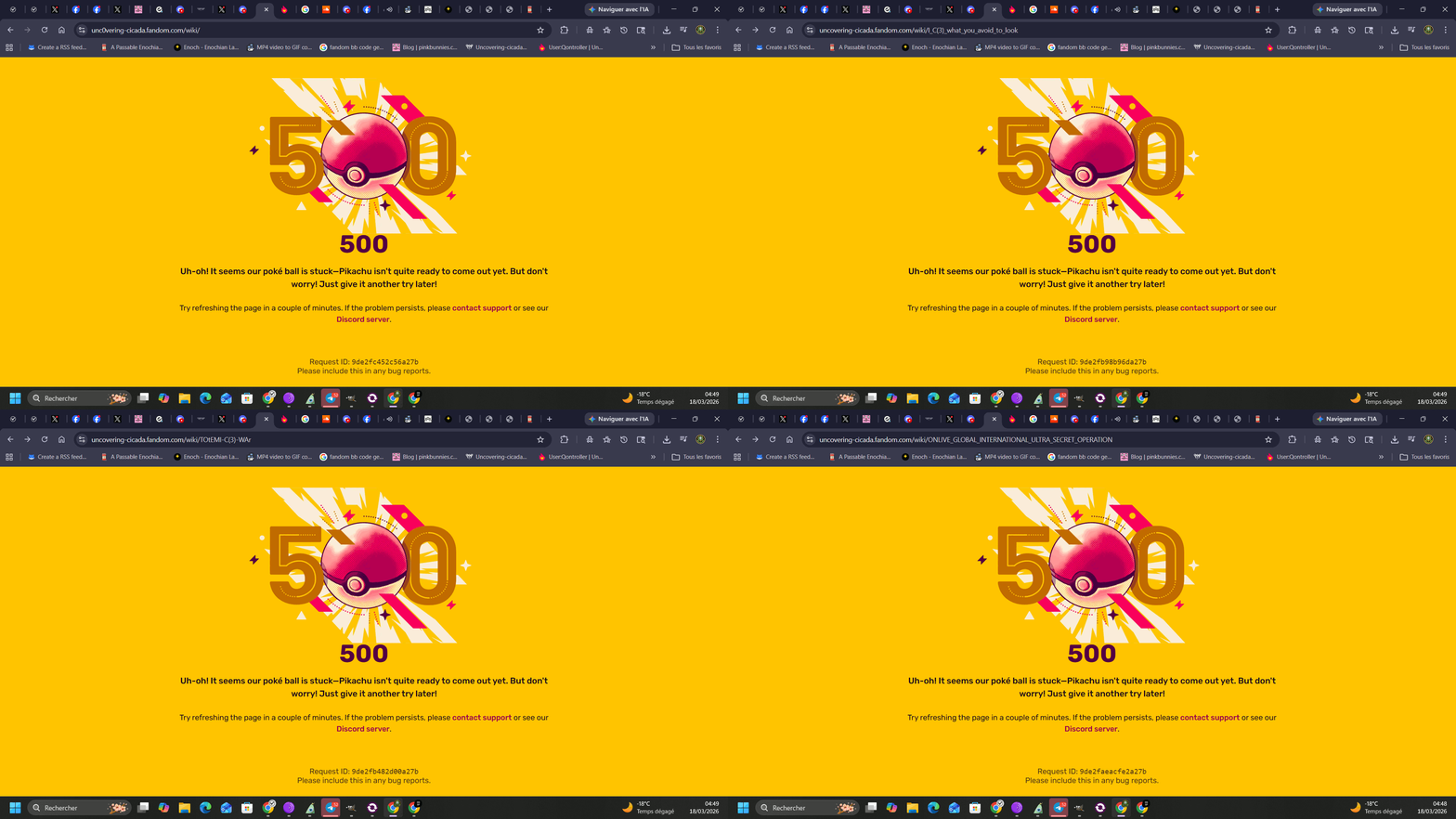
The “Error 500” message you’re seeing in the image is an Internal Server Error. [1, 2]
On the Fandom platform (formerly Wikia), this is a generic “catch-all” message indicating that the server encountered an unexpected condition that prevented it from loading the page you requested. [1, 3]
Why are you seeing this?
- Server Overload: The most common cause on Fandom is a temporary spike in traffic that the server cannot handle at that exact moment.
- Technical Glitches: It can be caused by bugs in the site’s code, faulty plugins, or issues with the database connection.
- Site-wide Issues: Sometimes Fandom experiences platform-wide instability, often discussed on Community Central or trackers like Downdetector.
- Broken Code (for Editors): If you were trying to save an edit, the error might be triggered by broken HTML or a conflict between the Visual Editor and the source code. [3, 4, 5, 6, 7, 8, 9]
How to fix it
Since this is a server-side problem, there is usually nothing wrong with your computer or internet connection. You can try these steps: [5, 10]
- Refresh the page: Most of the time, the error is temporary and will disappear if you wait a minute and reload (F5).
- Clear your browser cache: Sometimes your browser “remembers” the error page. Clearing your cache and cookies can force it to try a fresh connection.
- Wait it out: If the site is under maintenance or experiencing a heavy load, it typically resolves itself within a few minutes to half an hour. [5, 6, 8, 11]
The specific page in your screenshot—“Uncovering Cicada”—is part of a complex community-run wiki. If this specific page consistently shows an error, it may have a technical issue that the wiki’s administrators need to address. [12]
Are you having trouble accessing multiple wikis on Fandom, or is it just this specific page?
[1] https://developer.mozilla.org
[4] https://community.fandom.com
[5] https://www.interserver.net
[8] https://community.fandom.com
[11] https://community.fandom.com
[12] https://uncovering-cicada.fandom.com